


We have been promising it for months. Today, our brand-new Client Portal is live for every APlusHosting customer.
This is the dashboard you log in to after you place your order. It is where you manage your hosting plan, your websites, your email accounts, your domains, your billing, and everything else about your account. We rebuilt it from scratch, top to bottom, and the difference is night and day.
Why we built a new portal
Our previous portal had been running for about six or seven years, and multiple versions before that had served customers across almost three decades. The latest one worked, but it showed its age. The interface was cluttered with options that most customers never used. Adding a new feature meant pushing it into a layout that was never designed for it.
We had also picked up a second portal along the way that ran the newer parts of our service. Two portals meant two logins, two designs, and two places to learn. Customers who used both products had to switch between them just to find what they needed.
We were not going to add a third portal for AI agents, mobile apps, and everything else we are planning next. So we built one portal to replace both, with room to grow.
What is new
One login, one design, one place for everything. Whether you have a single shared hosting plan or you also use our sister services for virtual servers and dedicated machines, the same Client Portal handles all of it.
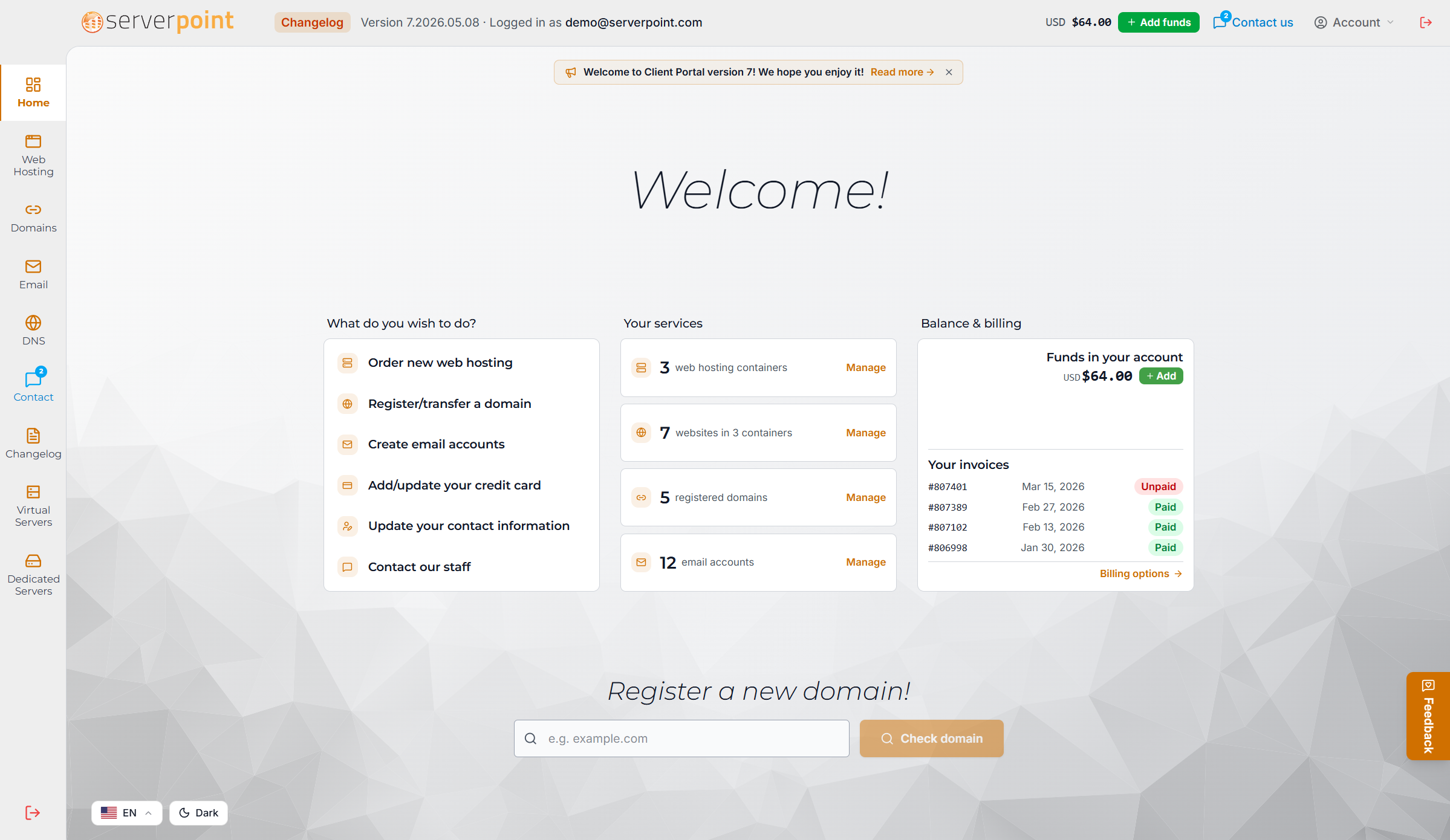
The home dashboard shows you exactly what you need to know at a glance. Your active services, upcoming invoices, recent support tickets, and a quick path to whatever you were looking for. No more hunting through nested menus.
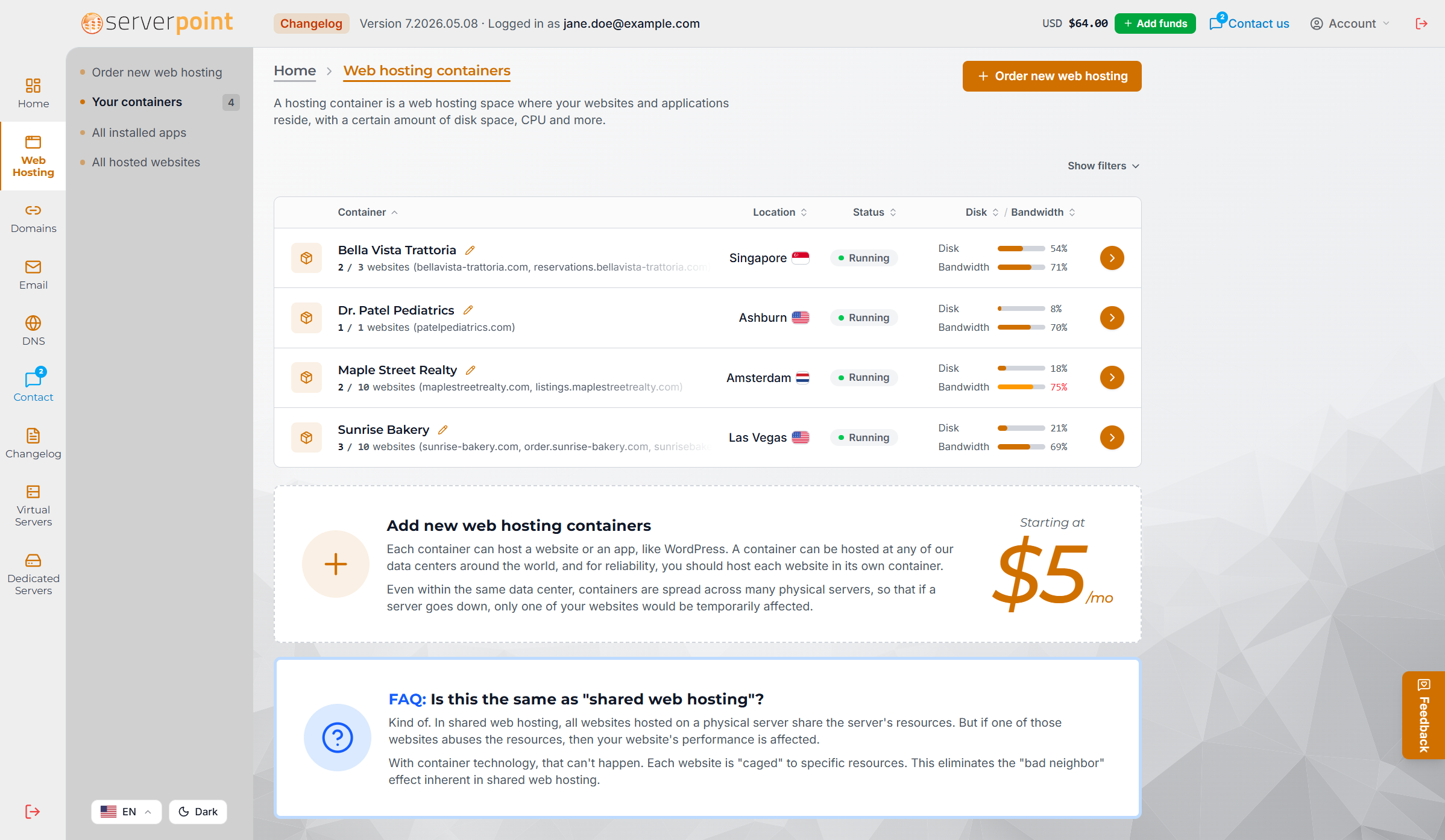
Web hosting management
Your websites, your hosting plans, your data centers, your databases, all in one place. Move a website to a different data center, change your billing term, upgrade your plan, manage SSL certificates, and look at backups. Each plan card shows you what is included so you can see at a glance what you are paying for.
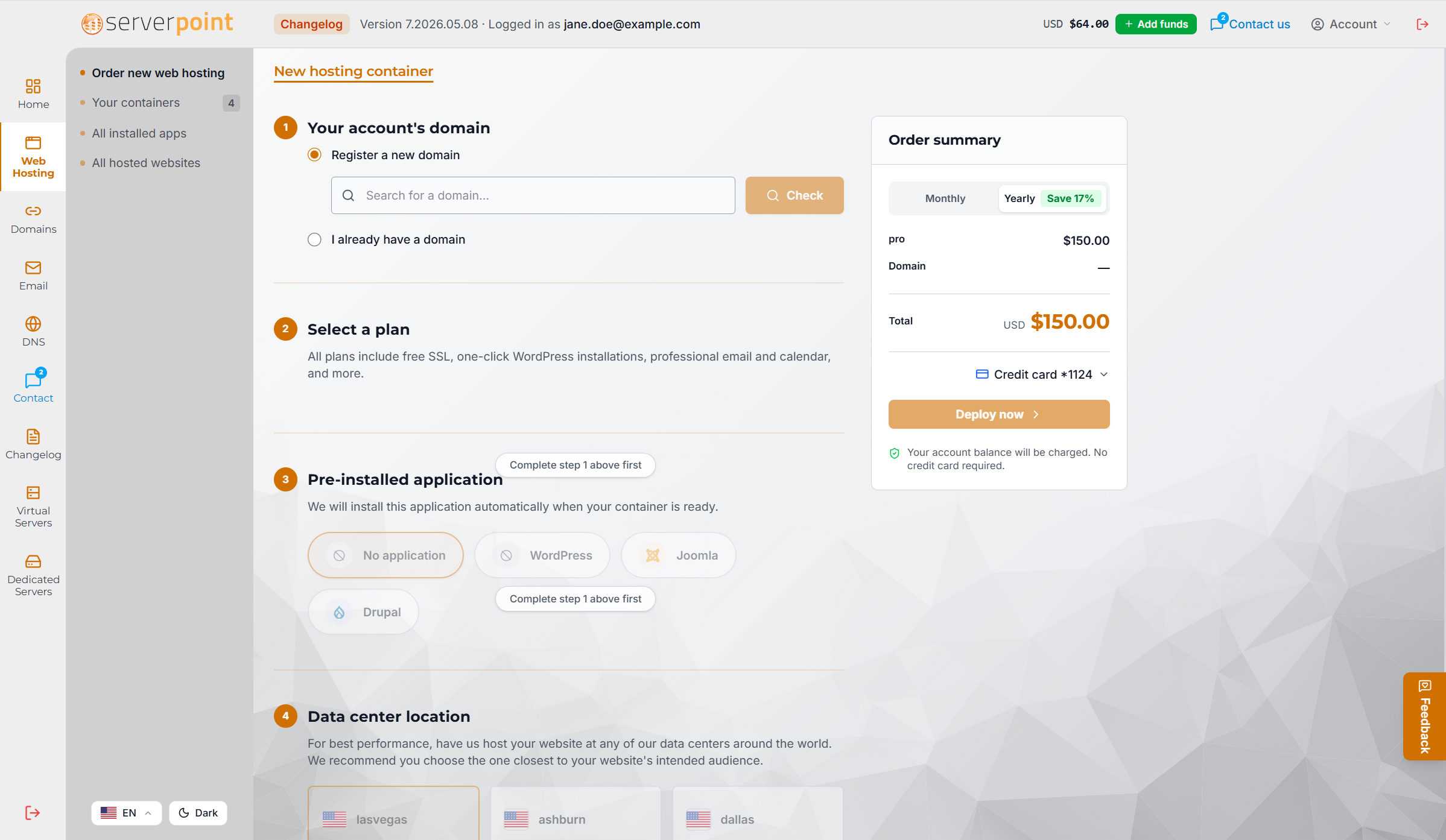
Ordering a new hosting plan is a clean step-by-step flow: pick a domain, pick a plan, pick an application to pre-install, and pick the data center closest to your visitors.
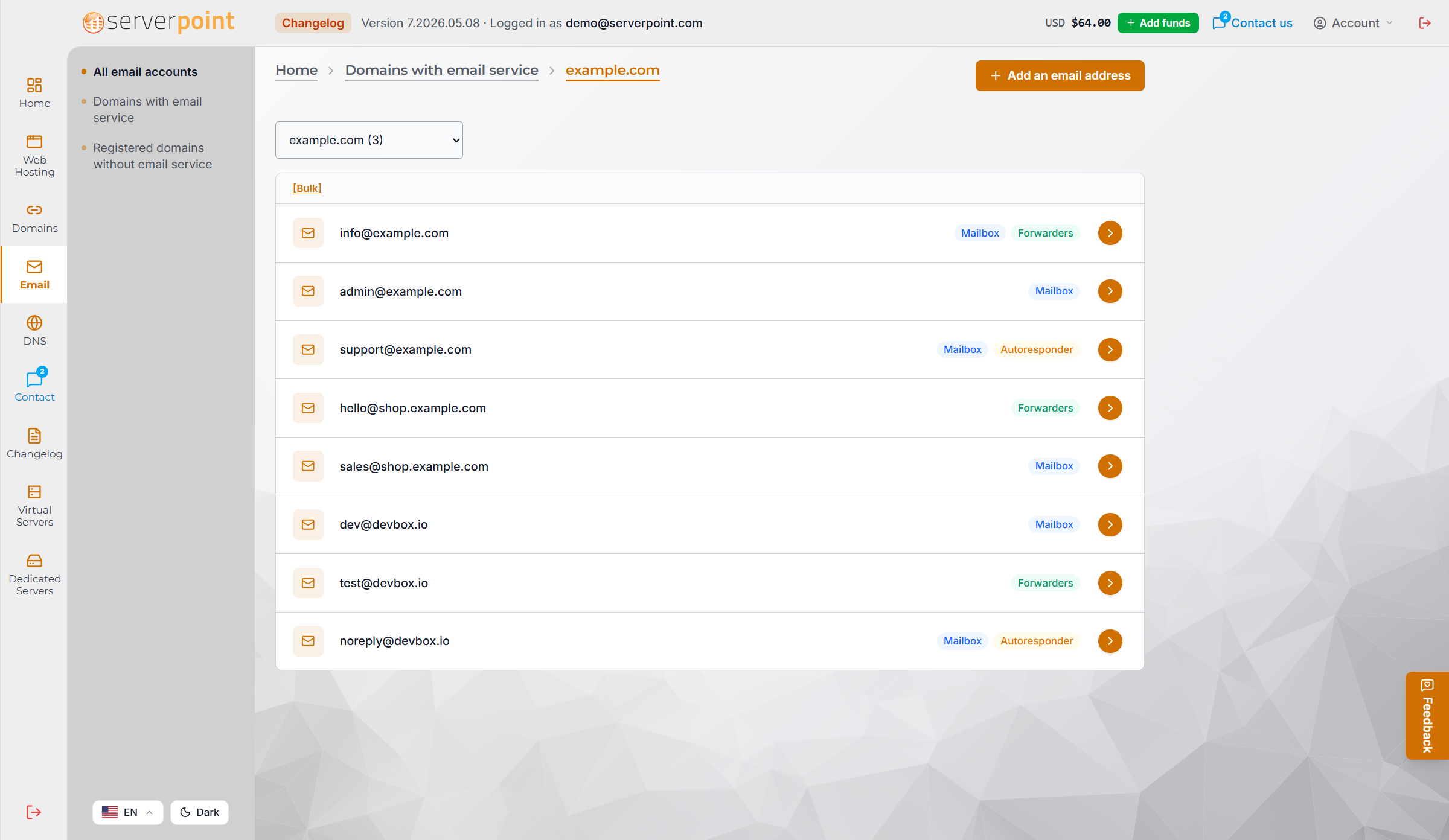
Email management
Email is now a first-class part of the portal. Set up mailboxes at your own domain, configure forwards and aliases, write an autoresponder for vacation messages, and set a catch-all for your domain. You can also drop into webmail directly from the portal.
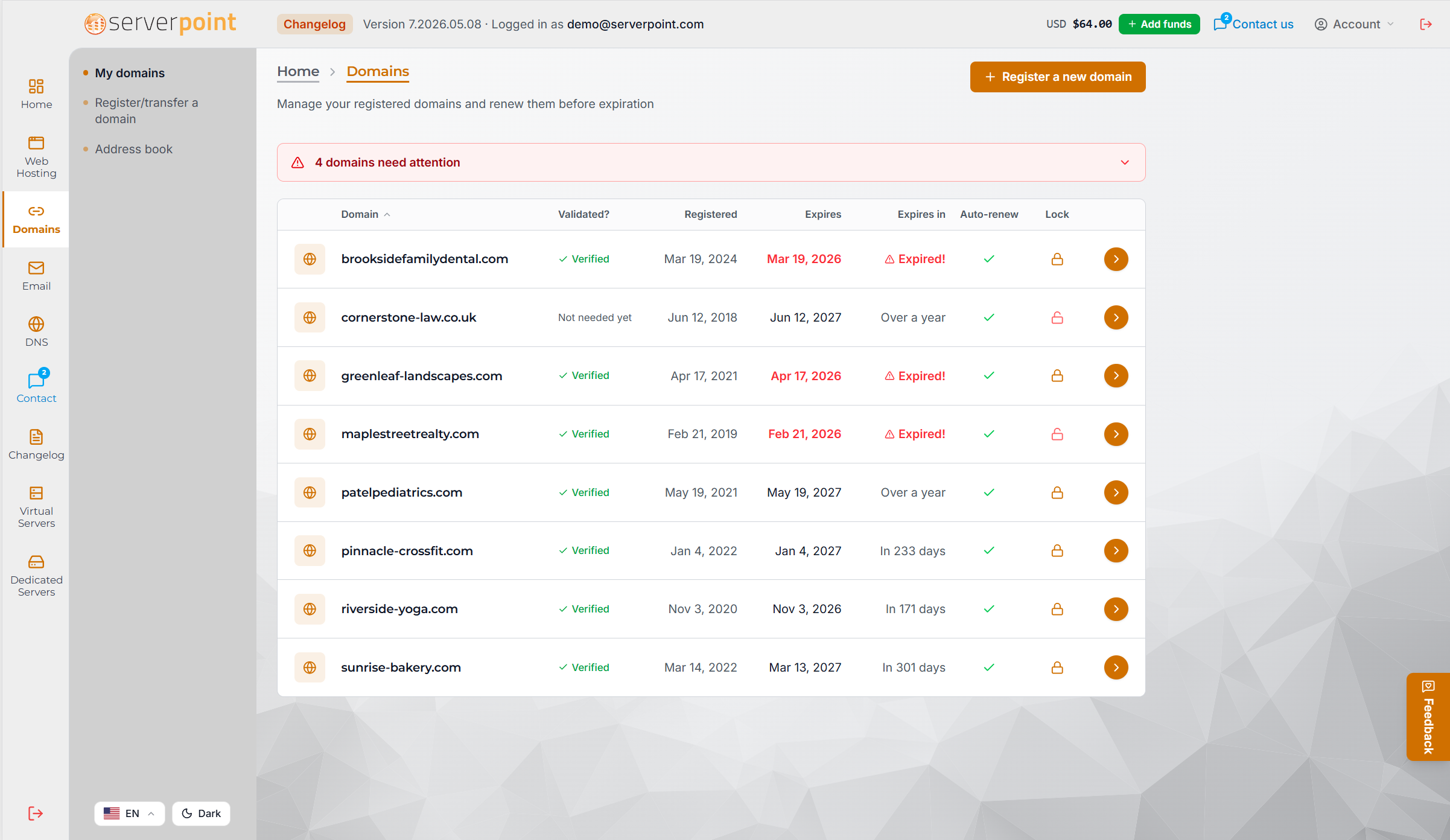
Domain management
Register new domains, renew the ones you have, edit your contact information, update nameservers, and turn on WHOIS privacy. Renewals are a single step in the portal now, with your saved payment methods available right there.
Support tickets
Open a ticket, read replies, and track the conversation without leaving the portal. The new ticket interface keeps your full history in one thread so you never have to repeat yourself to our team.
Billing and invoices
See every invoice, download a PDF, manage your saved payment methods, and check your account balance. You can also see what is coming up so there are no surprises at renewal.
Mobile apps are on the way
The new portal was built from day one to also run as a mobile app. We are finishing the iOS and Android versions now, with push notifications for ticket replies, biometric login, and offline access for things like invoice downloads. They will be in the App Store and Google Play soon.
Many languages, one experience
The portal is available in English, Spanish, Portuguese, French, German, Dutch, Italian, Polish, Russian, Ukrainian, Turkish, Hindi, Indonesian, Vietnamese, Thai, Japanese, Korean, and Simplified Chinese. Switch languages from the top of any page, and your preference will be remembered next time you log in.
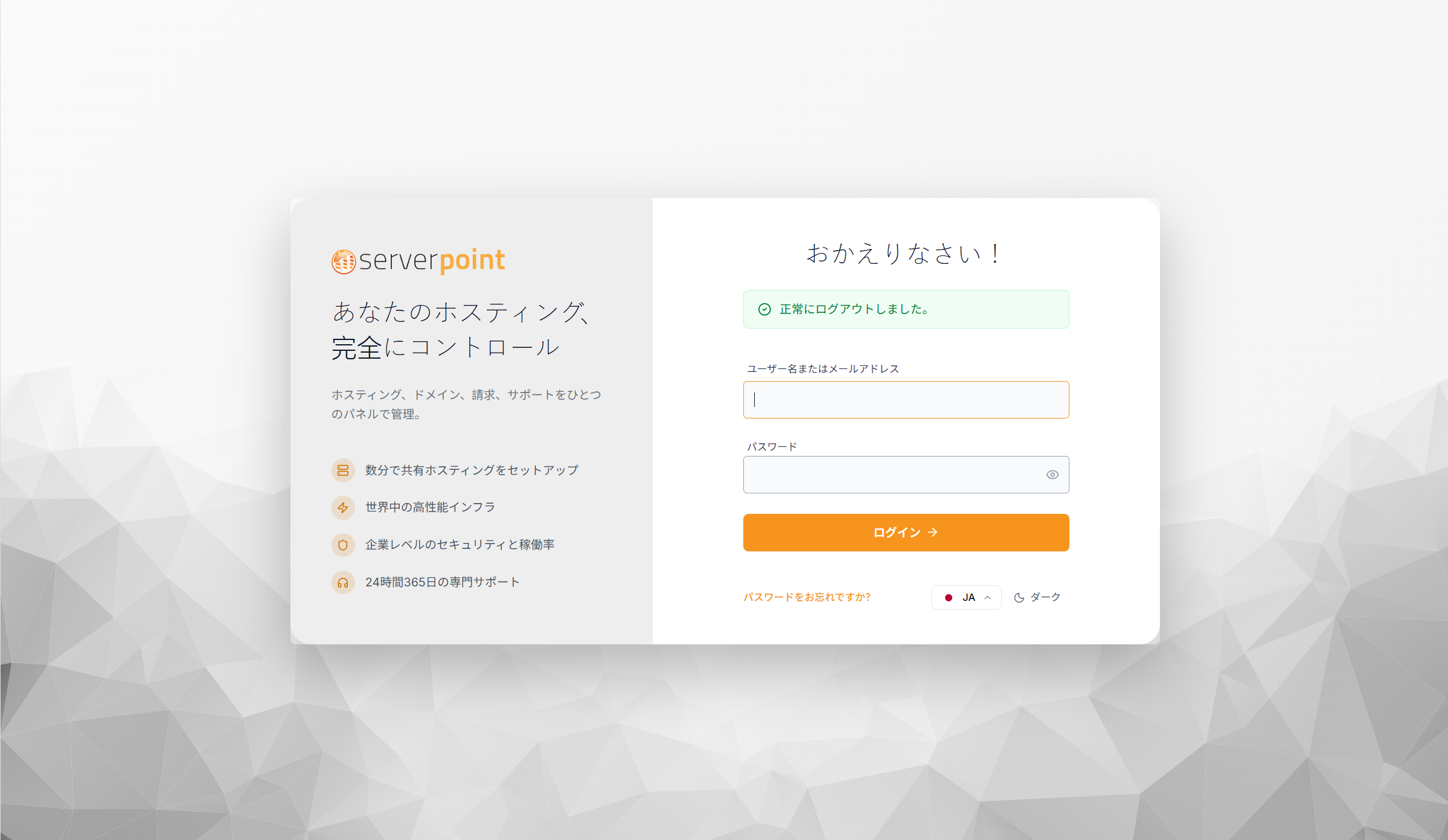
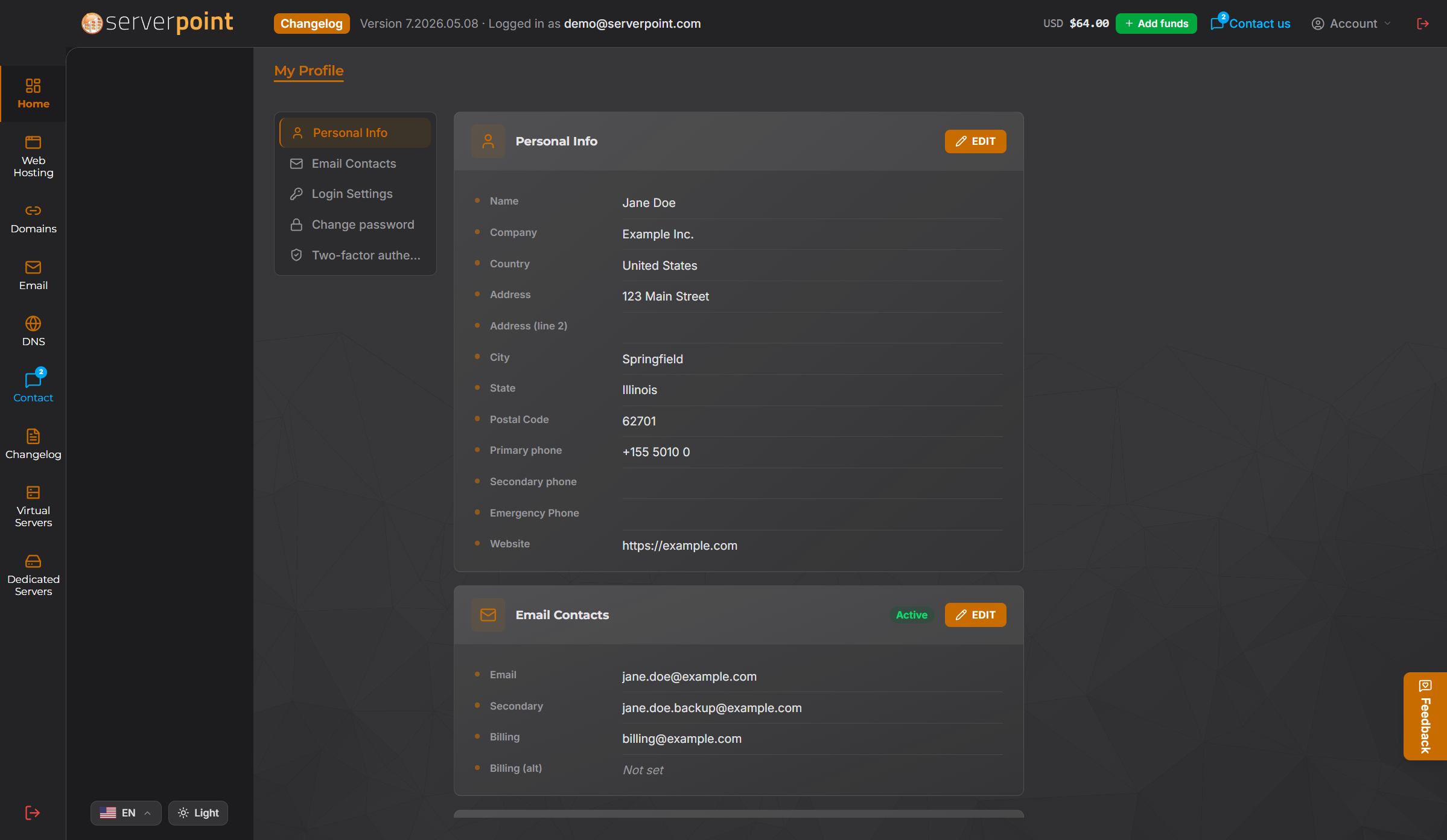
A dark theme is available too, alongside the default light theme. Pick the one you prefer from the bottom of any page.
What is coming next
The new portal is just the start. With one solid foundation in place, we can finally build the things we have been waiting to build. APIs that let your AI agent manage your hosting directly. More automation for the boring parts of running a website. Smarter notifications. Faster checkout. Better tools for customers running many websites at once.
We are excited about every one of these, and we will be sharing more in the months ahead.
How to log in
If you are an existing customer, head to portal.aplushosting.com and sign in with the email address and password you already use. Your account, your services, and your history are all there waiting for you.
If you are new here, take a look at our hosting plans and place your first order. The portal will be your home from your first day with us.
Welcome to the new Client Portal.